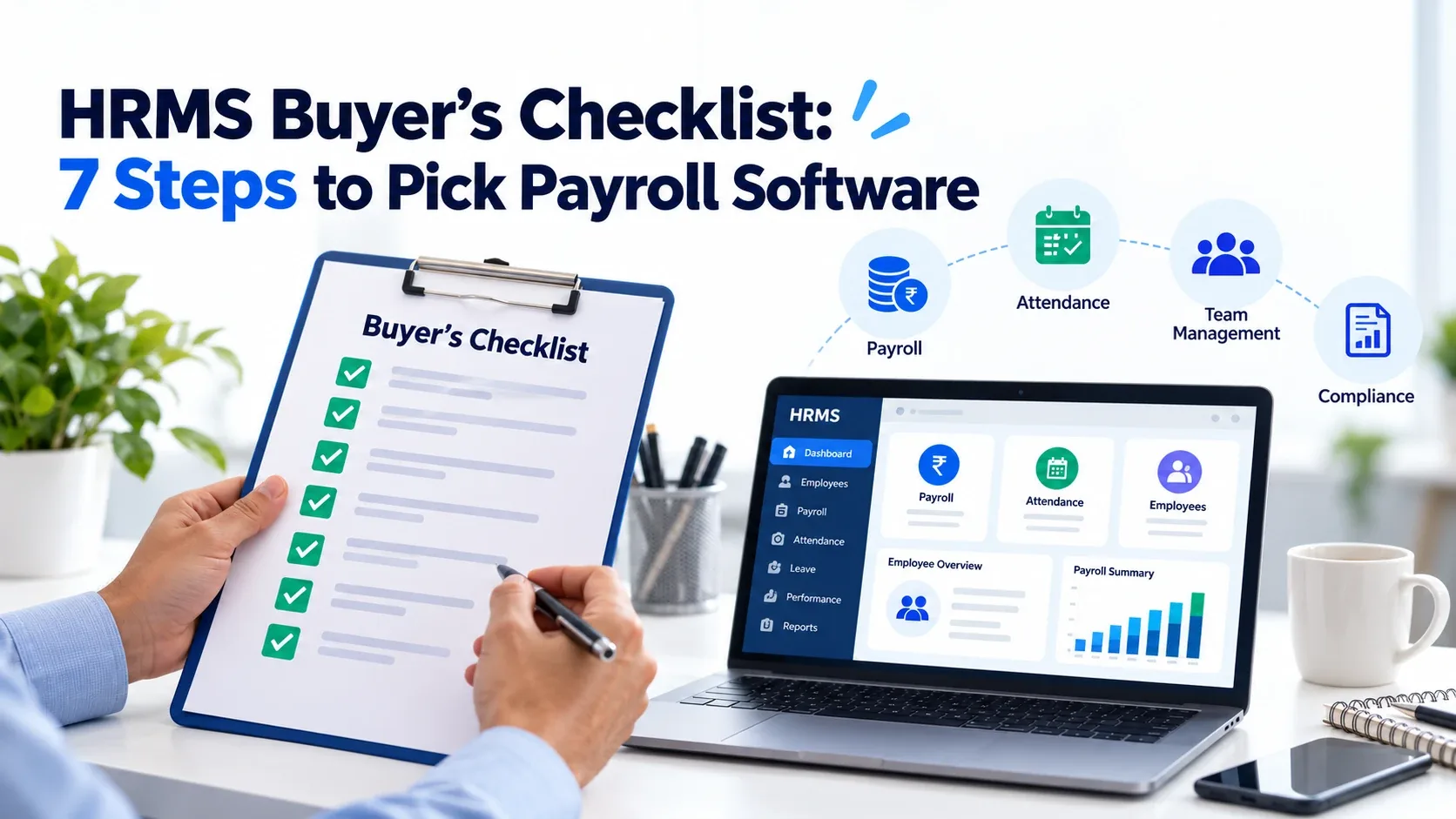
How to Choose an HRMS: A Buyer's Checklist with Payroll Software Questions
Picking an HRMS feels a bit like buying a car. Everyone shows you the shiny dashboard, and nobody mentions the mileage.
This checklist helps you look under the hood. You'll learn what to compare, what to ask, and which red flags to spot before you sign.
Why Your HRMS Choice Matters
An HRMS (human resource management system) bundles core HR tasks into one platform. Think employee records, time tracking, leave, and pay. Many teams still juggle spreadsheets and email threads for these jobs. That works until it doesn't.
The stakes are real. Gallup estimates that replacing one employee can cost between half and twice their annual salary. Clunky systems that frustrate people don't help you keep them.
Step 1: Define Your Needs First
Before you watch a single demo, write down your pain points. Ask your team:
- What tasks eat the most hours each week?
- Where do errors happen most often?
- How many employees do you have now, and in two years?
- Do you pay staff in more than one state?
A short list keeps vendors from steering you toward features you'll never use.
Step 2: Check the Payroll Software Basics
Pay is the one thing employees never forgive you for getting wrong. So start here.
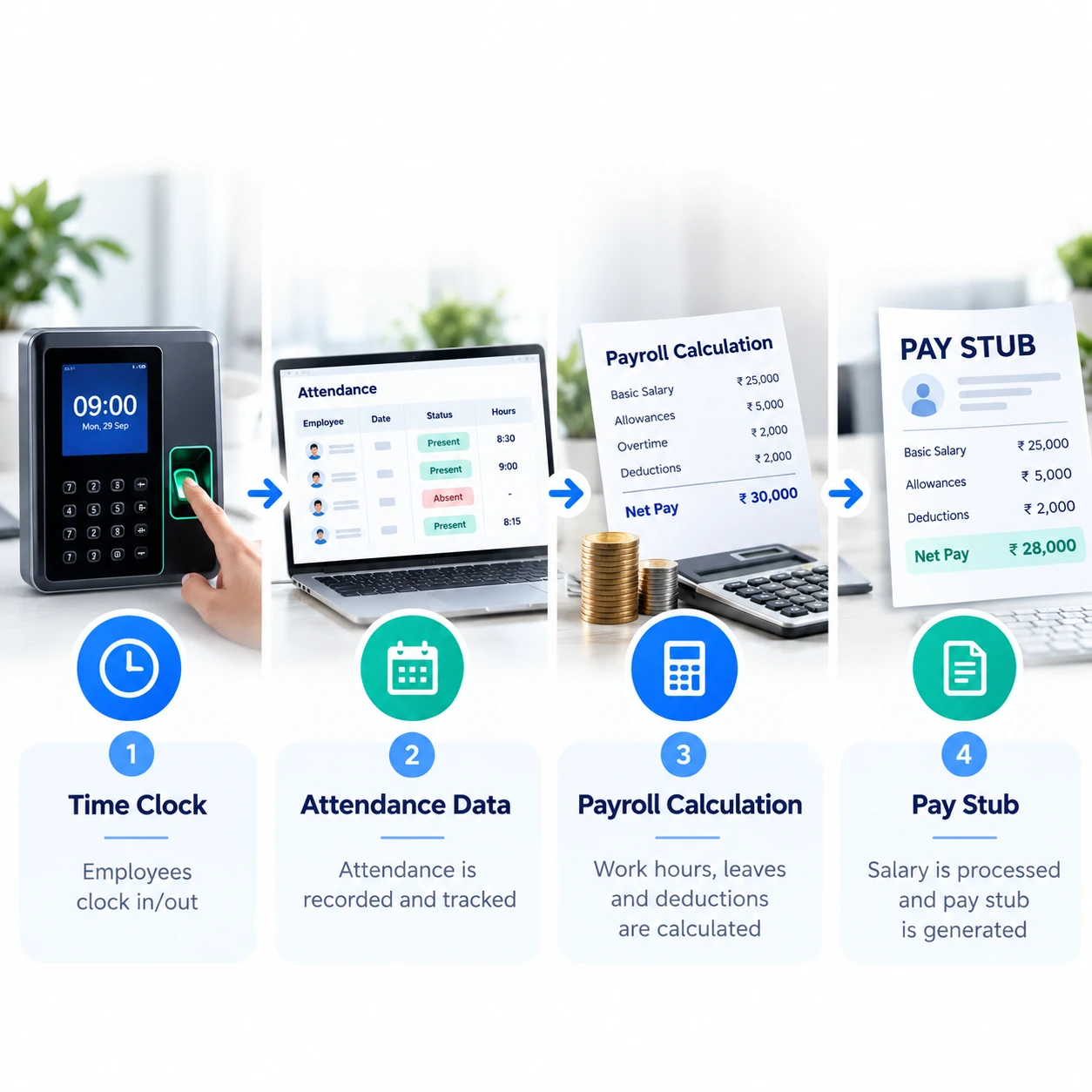
Your payroll software should calculate wages, withhold taxes, and generate pay stubs accurately. In the U.S., employers also file federal payroll tax returns. The IRS requires most employers to file Form 941 every quarter. Your system should prepare those filings or export the data cleanly.
Also check for:
- Direct deposit and off-cycle payment options
- Overtime and multi-state tax handling
- Year-end forms such as W-2s
- An audit trail for every change
Step 3: Look at Attendance and Time Tracking
Pay depends on hours, so payroll and time data must talk to each other. A good attendance management system captures clock-ins, breaks, overtime, and leave in one place.
This matters legally, too. The U.S. Department of Labor requires employers to keep records of hours worked for nonexempt employees under the Fair Labor Standards Act. Solid records protect you if a wage dispute ever comes up.
Step 4: Think Beyond Admin Work
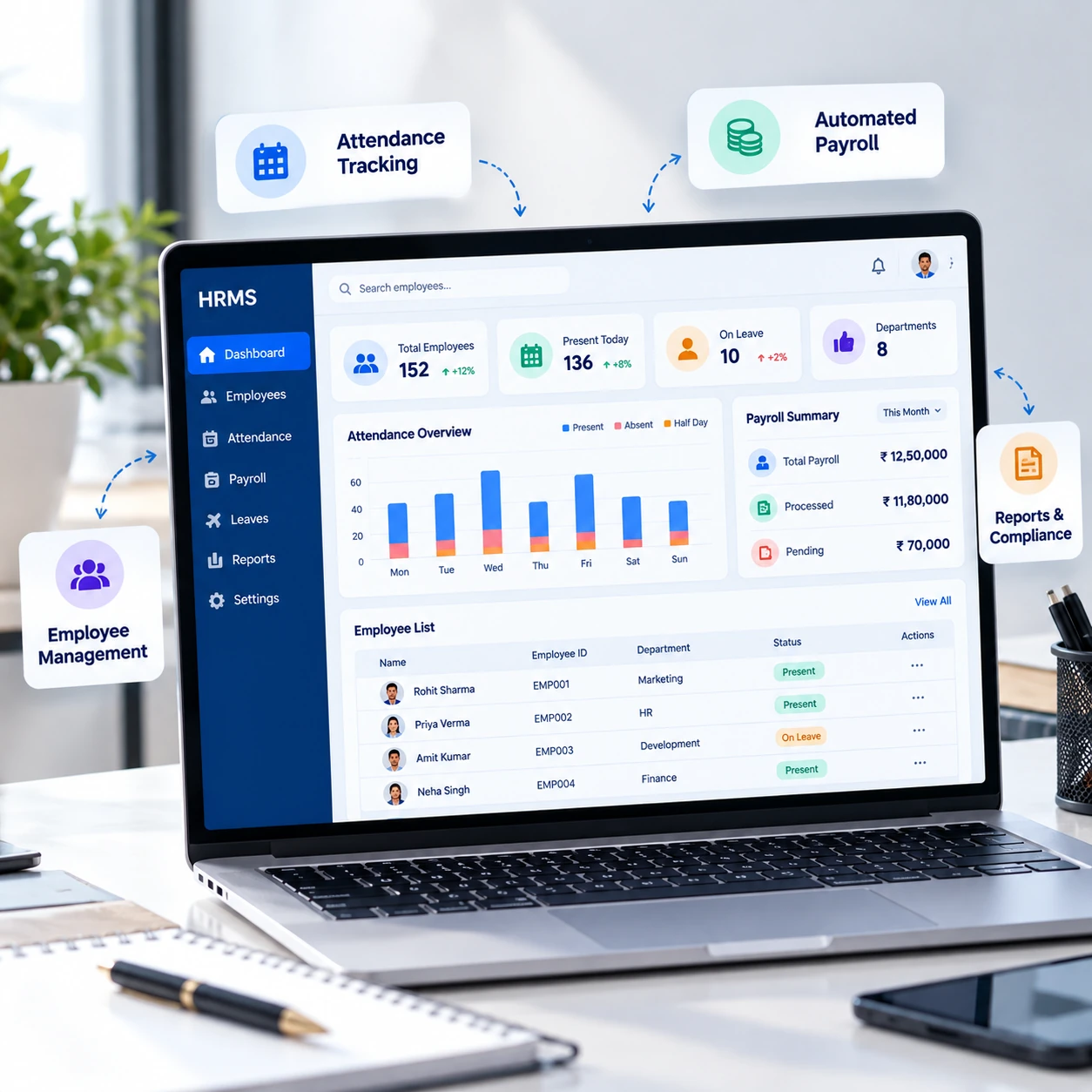
Modern HR system software does more than store files. Look at what it offers for people, not just paperwork.
Employee self-service portals let staff update details and download pay stubs without emailing HR. Reporting tools show turnover, overtime, and headcount trends.
Some platforms also support employee recognition programs. That's worth a look. Gallup research with Workhuman found that employees who don't feel adequately recognized are twice as likely to say they'll quit within a year. A thank-you note is cheap. A resignation letter isn't.
Step 5: Ask Vendors the Right Questions
Demos are polished. Your questions should not be. Here are the ones that separate solid vendors from smooth talkers:
- Pricing: What's the total cost, including setup, training, and support?
- Payroll accuracy: How do you keep tax tables current?
- Integration: Does the system connect to our accounting and banking tools?
- Data security: Where is our data stored, and who can access it?
- Data ownership: Can we export everything if we leave?
- Support: Do we get a real person, and how fast do they respond?
- Implementation: How long does setup take, and who does the heavy lifting?
- Scalability: What happens to price and performance when we double in size?
Write down the answers. Comparing them side by side keeps memory and charm out of the decision.
Step 6: Test Before You Commit
Ask for a trial or sandbox. Run a sample payroll. Have a manager approve a leave request. Have an employee clock in from a phone.
If your own team finds it confusing, your employees will too. Bring your least tech-savvy colleague to the demo. They're the best stress test you have.
Where Klokwise and Revelar Solutions Fit
Revelar Solutions builds business software, and Klokwise is its HRMS tool. Klokwise is designed to help teams manage core HR tasks from one platform instead of scattered spreadsheets.
Use the checklist above when you evaluate it, just as you would with any vendor. Ask about payroll handling, attendance tracking, reporting, security, and support during a demo. You can see the details on the Klokwise page on the Revelar Solutions website.
Final Buyer's Checklist
- Needs and budget defined
- Payroll accuracy and tax support confirmed
- Attendance and leave tracking included
- Reporting and self-service tested
- Security and data export terms reviewed
- Support and implementation plan confirmed
- Trial completed with real scenarios